
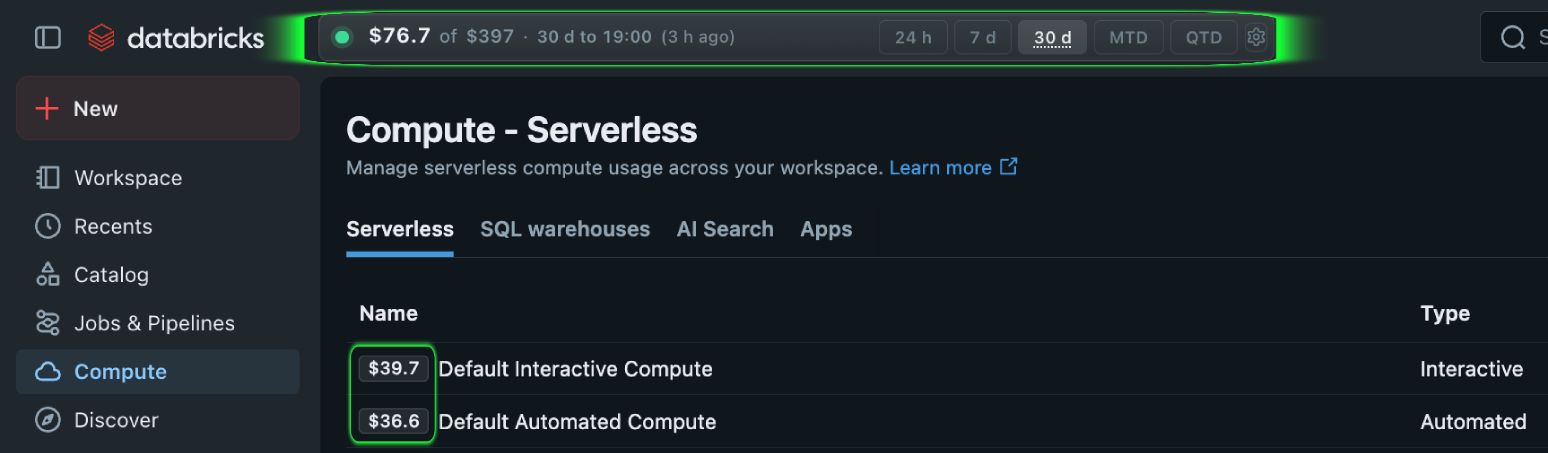
How is serverless compute billed?
Databricks manages the infrastructure for serverless compute. Usage is billed in DBUs and the applicable SKU depends on the workload, such as notebooks, jobs or pipelines.
Use the billing system table to review serverless usage. Multiple records can belong to one workload, so compare the summed DBUs for the same period.
Published serverless compute rates
Public reference rate in USD per DBU. Serverless infrastructure is included in the DBU rate. The final rate depends on cloud, region, plan and contract.
| Compute model | Cloud | Cloud infrastructure | Published compute rate |
|---|---|---|---|
| Serverless compute | AWS, Azure, GCP | Included in DBU rate | $0.75 / DBU |
Public reference rate checked October 6, 2026. Use the billing SKU in your workspace for the exact applicable price.
Prices shown for US East (AWS us-east-1)View official Databricks pricing.
How to review serverless usage
- Connect FinOpsWay and open the related Databricks workload.
- Read DBU usage and the reporting period.
- Compare similar workloads and periods before changing performance settings.
Common questions
Can serverless usage appear after a workload ends?
Yes. Billing data can arrive later, so check freshness before comparing recent runs.
Can I use one DBU rate for every serverless workload?
No. The SKU and rate vary by workload type, cloud and region.
Billing data can lag. Check the reported period and freshness.